View cart “TP-Link MR 600 Archer 4G+ Router” has been added to your cart.
Sale!
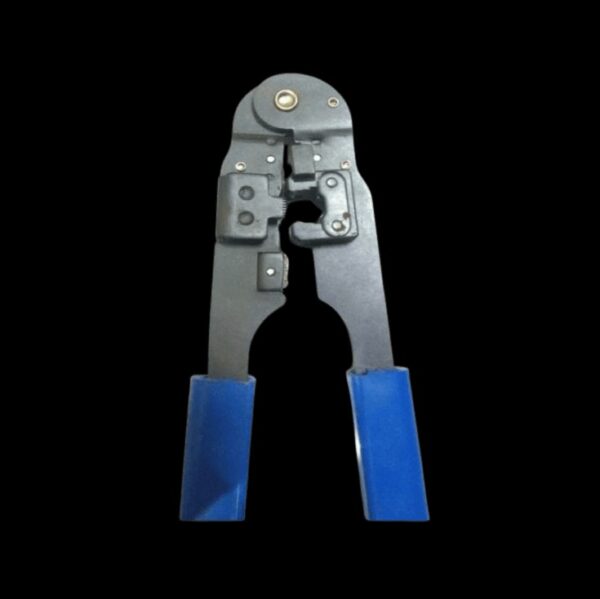
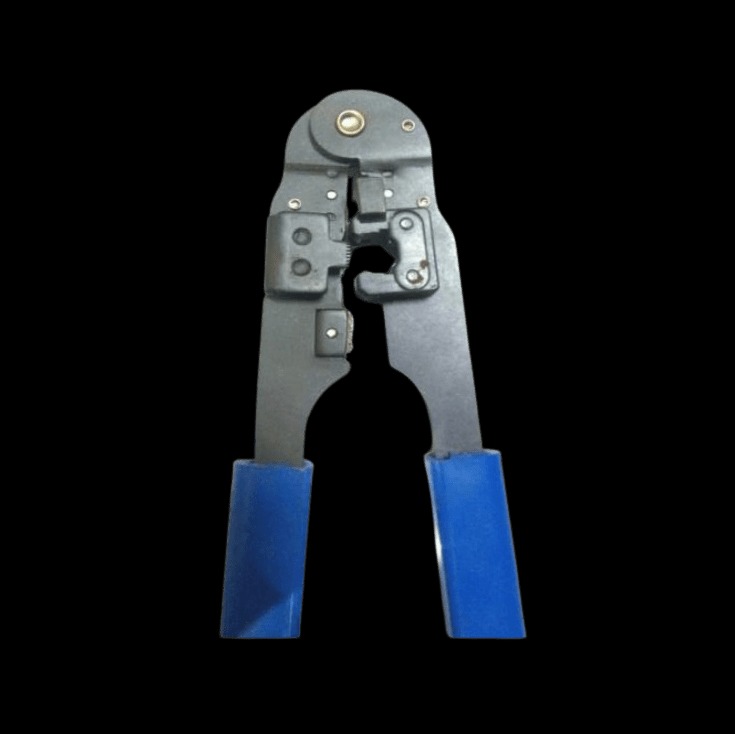
RJ 45 CRIMPING TOOL
₹550₹450
Using an RJ45 Crimping Tool
Prepare the Cable:
Strip the Insulation: Use the stripping function of the tool (or a separate wire stripper) to remove the outer insulation from the Ethernet cable, exposing the individual wires inside.
Arrange the Wires: Untwist and arrange the wires according to the desired wiring standard (e.g., T568A or T568B). Align the wires in the correct order as specified by the standard.
Insert the Wires:
Load the Connector: Insert the aligned wires into the RJ45 connector. Ensure that each wire reaches the end of the connector and is in contact with the metal pins.
Crimp the Connector:
Position the Connector: Place the RJ45 connector into the crimping tool’s die.
Crimp: Squeeze the handles firmly to crimp the connector onto the cable. This action pushes the metal pins into the wires and secures them in place.
Inspect the Connection:
Check the Wires: Ensure that the wires are correctly inserted and that the connector is securely crimped.
Test the Cable: Use a cable tester to check the integrity of the cable and ensure that all connections are correct.
Recommended RJ45 Crimping Tools
Klein Tools Ratcheting Modular Crimper (VDV226-110): Known for its reliability and ease of use, with a ratcheting mechanism for consistent crimping.
Ideal Industries 30-498 Crimping Tool: Offers multiple functions including crimping, cutting, and stripping. Known for its durability and precision.
Belden 1000A Crimping Tool: Provides high-quality crimping for various RJ connectors and cables.
TRENDnet TC-CT68 Crimping Tool: Includes crimping, cutting, and stripping functions, and is designed for ease of use.
Tips for Using an RJ45 Crimping Tool
Verify Cable Order: Double-check the wire order before crimping to ensure that it matches the chosen wiring standard.
Inspect the Tool: Regularly inspect and maintain your crimping tool to ensure it remains in good working condition.
Practice Proper Technique: Use firm, even pressure when crimping to ensure a reliable connection.
Applications
Networking: Creating custom Ethernet cables for use in network installations, repairs, or upgrades.
Telecommunications: Used in telecommunications infrastructure for connecting network equipment.
Designed for crimping RJ 45 connectors, this tool features a combination of crimping, stripping, and cutting functions. It is durable and provides accurate, consistent crimps for Ethernet cable installations. |
Weight
0.1 kg
Reviews
There are no reviews yet.
Be the first to review “RJ 45 CRIMPING TOOL” Cancel reply


Reviews
There are no reviews yet.